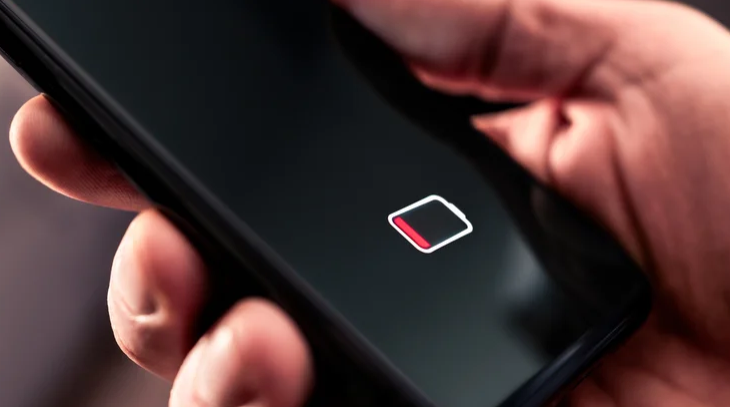
Ammon News - Even the best smartphones need to be charged every couple of days or so, depending on the battery size and your usage. While charging is easy when you are at home or work, doing so while on the go can prove to be more of a challenge due to the unavailability of a wall outlet. Fortunately, there are other ways to charge your phone.
If you're carrying a laptop, the easiest answer is to connect your phone to one of the computer's USB ports. Depending on the USB port type and USB generation, the charging speed will vary, but you'll typically get between 2.5 watts and 15 watts. USB Type-A ports are usually limited to 4.5W, while USB-C ports can offer up to 15W. It is perfectly safe to charge your smartphone using a laptop, but keep in mind that since your laptop is also running on battery in this scenario, it might reduce the USB port power, resulting in slower charging.
Another method of charging your phone without a wall outlet is battery sharing. As an increasingly common feature on modern phones, battery sharing allows you to charge another smartphone by simply connecting the two — either with a USB cable or wirelessly. Unfortunately, wireless power sharing isn't the most efficient and is best avoided unless you don't have a cable on hand or the other phone doesn't support wired sharing.
You can use a portable charger or even the USB port in your car
Beyond using another phone or a laptop, there are other ways to juice up your phone without access to a wall outlet. Portable chargers or power banks are one of the most common ways to top up a phone's battery when you are away from a power socket. These are easy to use and, depending on the power bank's capacity, can deliver more than one full charge. You can find both wired and wireless power banks on the market. Many modern portable chargers also support fast charging, including support for USB Power Delivery (USB PD) and Programmable Power Supply (PPS) standards. You simply connect your phone to a power bank, and it starts charging.
If you don't have a power bank on hand, another good option is using your car's built-in USB port or a car USB port adapter. You'll need a charging cable but not much else. It's best to juice up your phone with the car's engine running; otherwise, a long charging session may result in your car's 12-volt battery becoming dead. The charging speed will depend on the USB port specification, which can vary between car models, but some of the newer cars, particularly electric vehicles (EVs), offer relatively faster charging. If you don't have a USB charging cable, you can use the built-in wireless charger, if available and supported by your phone.
BGR



 comment replay











 الرجاء الانتظار ...