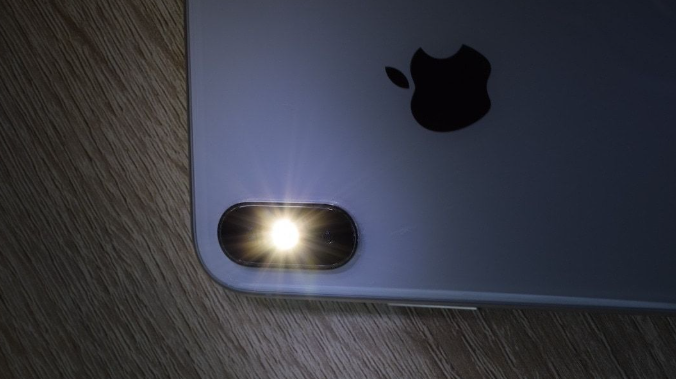
Ammon News - There are several useful iOS features you need to start using, including the one where the iPhone's LED flashlight turns on and blinks every time you receive a call, message, notification, or alert. The feature is intended for people who may have trouble hearing notification sounds. It's also useful in noisy environments where it's easy to miss notifications or alerts on your iPhone. But these flashing notifications have their downsides, and if you haven't enabled the feature voluntarily, you may find it annoying.
Repeated flashes for every single notification can often become distracting, especially while you are in class or at the office. Besides, in public spaces, these flashing notifications on your iPhone can attract unwanted attention. Lastly, the flashes can be triggering for people with certain health-related conditions.
Many people accidentally enable the flashing notification lights feature on their iPhones and have trouble turning it off since the toggle isn't located under 'Notifications' settings but within the 'Accessibility' menu. So, if you accidentally enabled 'Flash for Alerts' on your iPhone, it's just as easy to disable it.
Disabling flash notifications on iPhone
To disable flash notifications on your iPhone, go to Settings > Accessibility > Audio & Visual and disable 'Flash for Alerts'. This will completely turn off the flashing notifications on your iPhone for all alerts.
If you want more control over your iPhone's notifications instead of outright disabling flash alerts, iOS offers a few options. For instance, you can choose whether flash alerts use the rear LED, the iPhone's screen, or both. You can also enable or disable the 'Flash While Unlocked' setting to control whether the LED flashes when your iPhone is unlocked and you are actively using it.
Apart from that, there's the 'Flash in Silent Mode' option, which is enabled by default and controls flash alerts when your iPhone is set to silent mode. These flash alerts can serve as visual notifications when sound-based alerts are unavailable. Keep in mind that all these customizations only work when 'Flash for Alerts' is enabled. If you have turned it off, these settings won't have any effect.
BGR



 comment replay











 الرجاء الانتظار ...