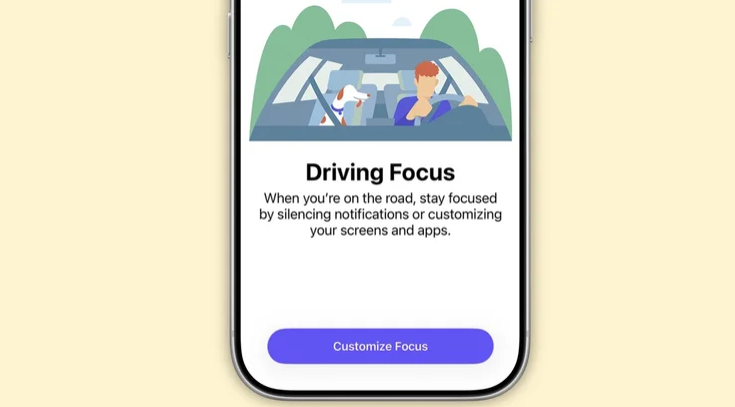
Ammon News - Driving and looking at an iPhone display don't go well together. Around the world, local governments run campaigns highlighting the risks of texting and driving, and how our attention span drops dramatically the moment we glance at our smartphone screens. That is why, with iOS 15, Apple introduced several Focus Modes that go beyond turning off notifications or simply using Do Not Disturb. Among the different Focus Modes, Apple created Driving Focus, available under Settings > Focus > Add > Driving.
With Driving Focus set up, Siri can read replies and notifications to you, while incoming calls can only be received when your iPhone is connected to CarPlay, a car Bluetooth system, or a hands-free accessory. Basically, the moment you connect your phone to your car, this mode can automatically take over, so you'll only see your map directions until you get where you need to go. With that, you can avoid social media notifications, what's going on in your friends' group chat, or even whatever Netflix is trying to promote while you're commuting.
Thanks to Driving Focus mode, users can customize their iPhone screen, apps, notifications, and even share the status with friends and family members so that, before they text you, they can also be aware that you're driving and that if it's not urgent, they could wait a little longer to talk to you.
Customizing the Driving Focus mode
Go to Settings > Focus > Driving to edit how this focus mode works. For example, Apple's first toggle is Intelligent Breakthrough & Silencing, which uses AI to allow priority notifications to interrupt you and silence others, such as if you're heading to a barbecue with your friends and you get a text saying that the barbecue had to be canceled or that you might need to buy more meat. In those cases, Apple might break the silence to alert you about the notification. You can also allow notifications from a few people and, most importantly, turn on Auto-Reply, which you can set to your Recents, Favorites, or All Contacts. While Apple already gives a standard "I'm driving with Focus turned on. I'll see your message when I get where I'm going" message, you can also customize it as you'd like.
Users can also change the iPhone and Apple Watch Home Screens to help them find what they need, such as keeping only map apps on the display and adding that gas station app as well. Finally, there's one more "While Driving" toggle that lets you choose whether this focus mode activates automatically when connected to car Bluetooth, or manually. There's also a toggle for Activate With CarPlay when you connect your phone to the infotainment panel, which will toggle the focus mode on automatically.
Siri AI also makes CarPlay safer
On top of Driving Focus, CarPlay users with the latest iPhone models running the latest iOS 27 update also get another important feature: Siri AI. According to Apple, the new Siri can update your route based on a message a friend sent or tell you what you need to know without taking your hands off the wheel. With that, even if you got curious about something you're discussing with your partner through messages last week, or that podcast episode someone sent you and you thought this could be a great moment to listen to it, you can ask Siri AI about those things, and the personal assistant can tap into your information to help you with those tasks without making you take your eyes off the road.
As a matter of fact, iOS 27 brought multiple features to CarPlay, which, ultimately, serve to ensure drivers can get the most out of their iPhones without having to look sideways, especially with Siri AI being able to granularly control the CarPlay system, such as opening a specific app, going through settings, or reading out loud a message that you forgot to reply to. That said, these features help users drive more safely while still staying on top of what's going on in the world.
BGR




 comment replay













 الرجاء الانتظار ...